Have a Question?
How to create bundle promotion
A bundle promotion offers multiple products together at a discounted price. The purpose is to encourage customers to buy more items in a single purchase, boosting sales and increasing the average order value while providing savings to the customer.
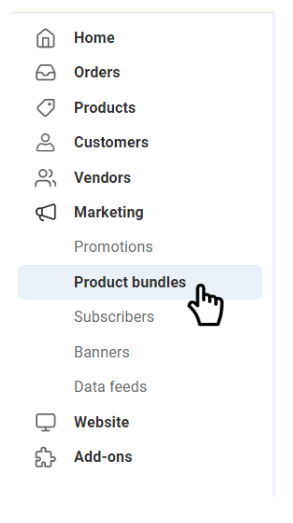
1. Go to Product Bundle:
- Navigate to “Marketing” and select “Product Bundle”.
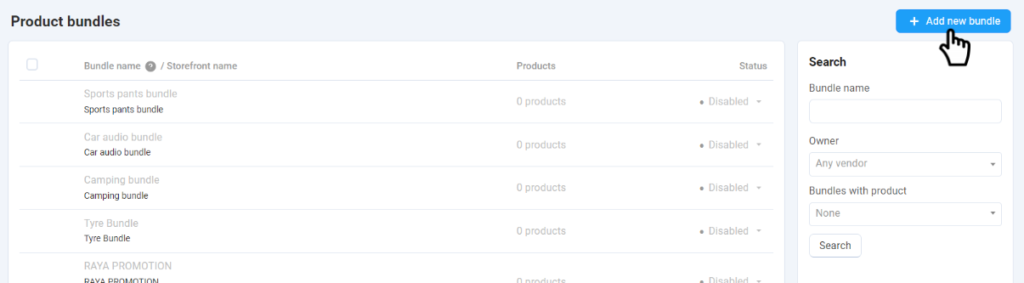
2. Add a New Bundle:
- Click “+ Add New Bundle”.
3. Fill in Bundle Details:
- Enter the basic information about the bundle promotion.

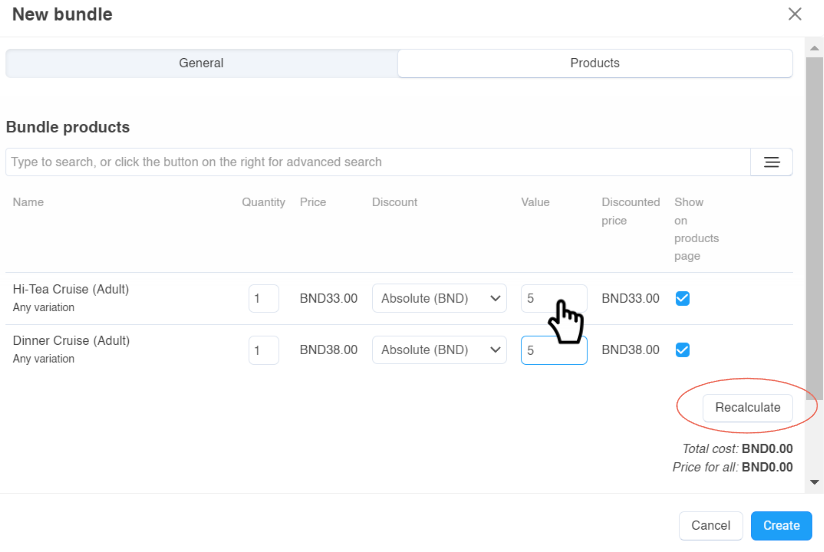
4. Select Products:
- Search and select the products you want to include in the bundle.

5. Input the value of the discount you want to give for the products.
6. Click “Recalculate” to see the final price.
7. Click “Create” once satisfied.