
Have a Question?
How to create a product
This process helps you efficiently list products for sale on your store.
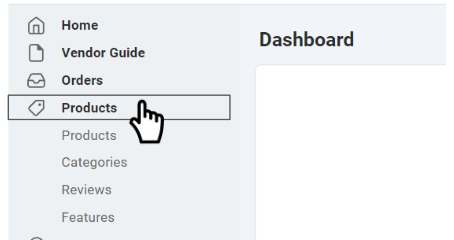
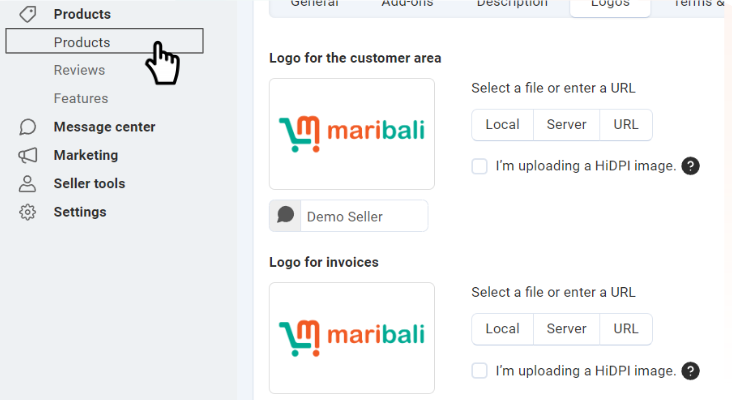
1. Click on the “Product” tab from the side menu, then click “Products” again.
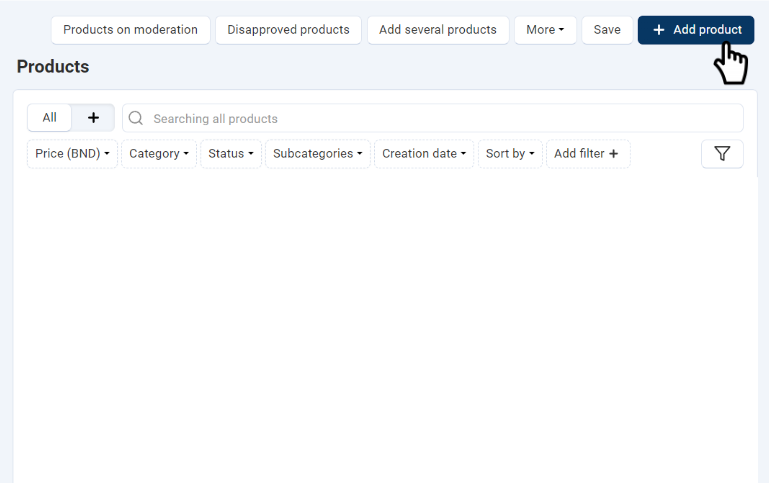
2. Click “+ Add Product”.
3. Add product information:
- Under “Information”:
- Enter the product name.
- Assign it to relevant categories (you can select more than one).
- Set the price.
- Add a product description and upload images.

- Under “Pricing/Inventory”:
- Enter a product code (barcode or new code) or leave it empty if not required.
- Enter the available stock.

- Under “Shipping Properties”:
- Add details if applicable. Note that items over 14.9kg will have additional delivery surcharges if using Maribali Delivery Service.
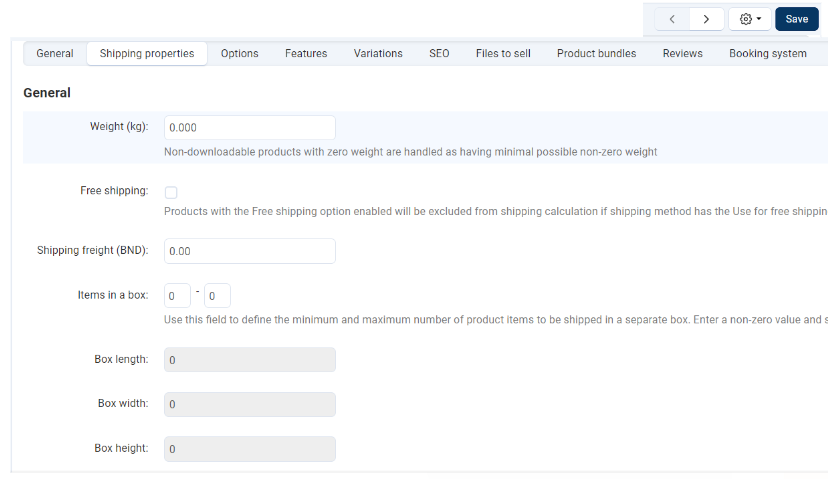
4. Once all details are entered, click “Save” at the top right.